 LoopTinker
 by Marev Games
AI video to transparent game sprites ?
Have an AI animation, but still need to extract frames, remove the background and make it loop? LoopTinker processes an existing clip; it does not generate the character or redraw inconsistent frames.
Select a consistent part of the clip ?
Check the face, clothing, silhouette and camera across the entire interval. Cut out unstable frames. If the character changes identity or the camera drifts, regenerate or correct the source first.
Remove the background and inspect edges ?
Crop, then use color keying and masks to isolate the subject. Check bright and dark backgrounds in the preview. Green fringe, motion blur and a changing generated background may need source cleanup; stronger keying can also erase subject colors.
Check the loop and choose an export ?
Compare the loop at game size, especially hands, hair and semi-transparent edges. Export an atlas or PNG sequence for frame animation, or a game video package with a suitable transparency mode. A static mask cannot follow a moving silhouette.
Common questions ?
Can it automatically fix flicker or changing character details? ?
No. LoopTinker helps select, crop, key, loop and export usable footage. It cannot restore a consistent face, redraw missing details or guarantee clean edges from a changing background. Start with a stable source and inspect the result before paying for export.
Waterwheel animation: from video to game ?
Use it to compare loop selection, masks, atlas settings and placement over the source background. Results with your own footage depend on its motion and image quality.
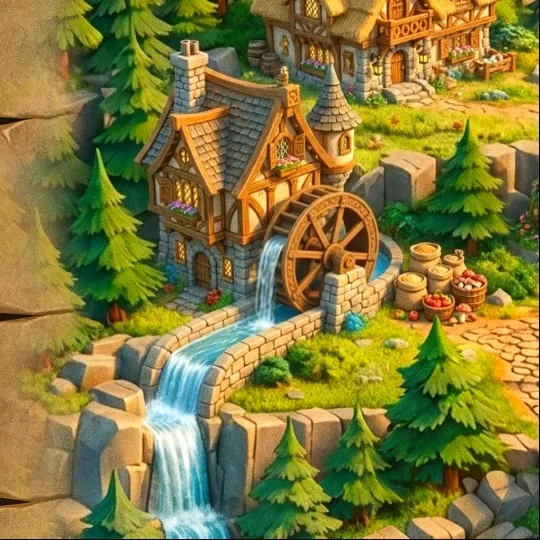 Explore the waterwheel example
Editing, preview and local project saving are free without an account. Export requires paid access.