 LoopTinker
 by Marev Games
How to convert video to a sprite sheet ?
Need animation frames from a video without exporting and arranging every frame by hand? Select the useful motion, crop the subject and pack the frames into one or more texture atlas pages.
Keep only the motion you need ?
Import the video and select a short interval. Crop empty space while keeping the entire movement inside the frame. If the animation repeats, check the seam before packing it.
Choose frame rate and output size ?
Preview at the size used in your game. Reduce frame rate or dimensions if the animation still reads clearly; hundreds of full-size frames can create an unnecessarily large atlas.
Pack and check the exported animation ?
Choose PNG or WebP atlas pages with spacing and edge extrusion. Inspect both the sheet and animation preview. Export the manifest with the atlas, or use a PNG sequence if your engine expects separate frames. Import and check timing in the engine.
Common questions ?
Will a smaller sprite-sheet file use less game memory? ?
Not necessarily. Compressed download size and decoded texture memory are different. Check frame dimensions, frame count, atlas pages and your engine’s texture limits. The waterwheel example below reports file sizes, not a guarantee of runtime memory savings.
Waterwheel animation: from video to game ?
Use it to compare loop selection, masks, atlas settings and placement over the source background. Results with your own footage depend on its motion and image quality.
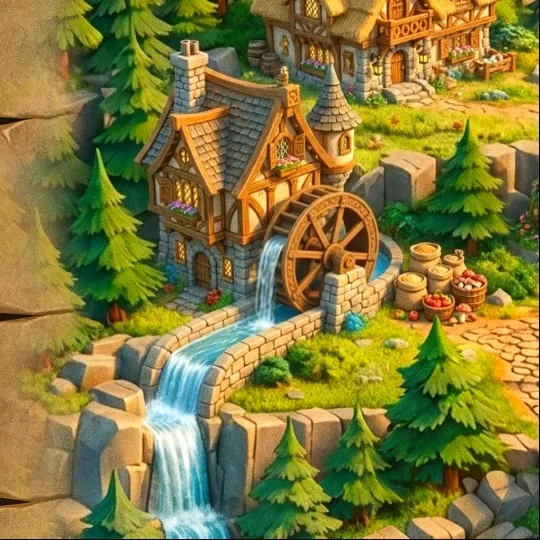 Explore the waterwheel example
Editing, preview and local project saving are free without an account. Export requires paid access.