 LoopTinker
 by Marev Games
How to use transparent video in Construct 3 ?
Need an animated object over your game scene without a rectangular background? Choose a PNG/WebP atlas or a game video package. The video route reconstructs transparency with a player; it does not rely on native alpha in an ordinary MP4.
Finish the animation ?
Choose the interval, crop and mask the subject, and check the loop before preparing the export.
Choose an atlas or game video ?
For an atlas, set page size, scale and padding, then download the Construct 3 integration package. For video, open Game video and choose synchronized alpha for a changing silhouette, or a static PNG mask only when the silhouette stays fixed.
Connect the exported files ?
Use the instructions included with your chosen export; the atlas and video packages have different files. In Construct 3, add their assets and scripts and connect the supplied player to Drawing Canvas. Test the video in the target browser: worker decoding requires WebCodecs support; DOM video playback is an alternative with workers disabled.
Check the scene ?
Check the layer and Z order, placement and aspect ratio. Verify animation speed, opacity and upscaling in the running game.
Common questions ?
Can I just import a transparent MP4 into Construct 3? ?
The exported MP4 does not carry native alpha. LoopTinker’s player combines video with a mask or removes the key color. Follow the package instructions and test on target devices. For frame-by-frame transparency without video decoding, use PNG/WebP atlases.
Waterwheel animation: from video to game ?
Use it to compare loop selection, masks, atlas settings and placement over the source background. Results with your own footage depend on its motion and image quality.
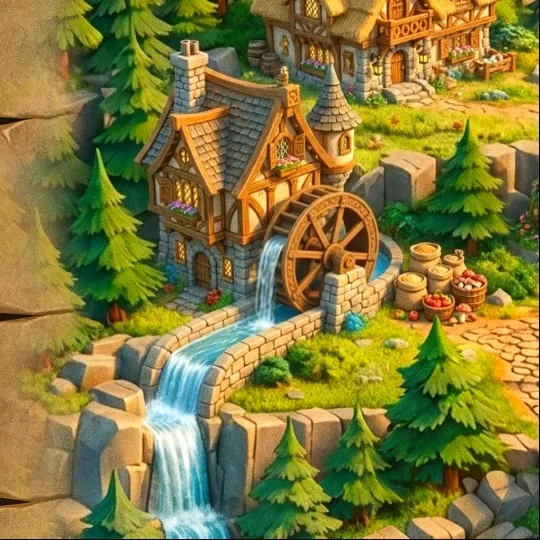 Explore the waterwheel example
Editing, preview and local project saving are free without an account. Export requires paid access.